
Bulin 47 Face Swap
Upload one clear photo and your face replaces the performer in the viral freestyle clip, frame for frame.
- One photo · one face
- MP4 · ~6s · 9:16
- 12 credits per video
- Free credits for new accounts
Bulin 47 face swap examples
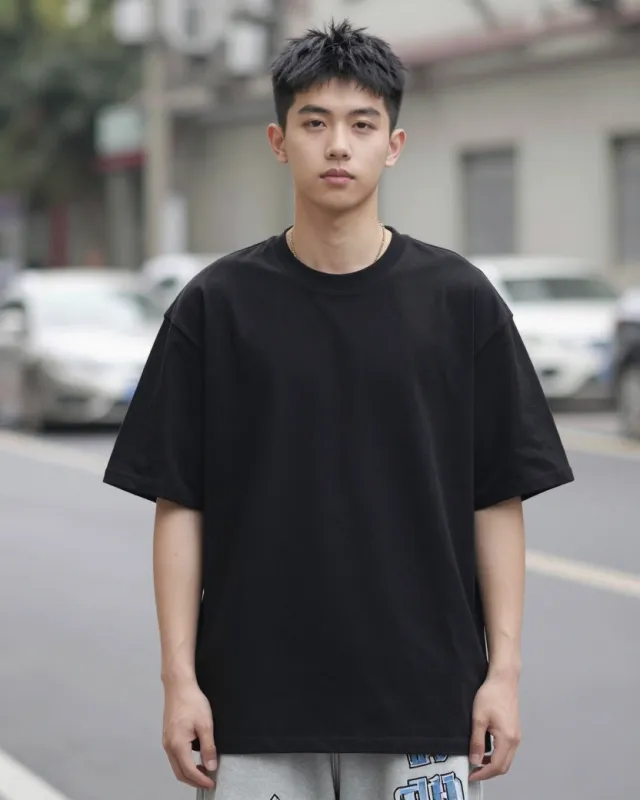
The original clip — a red-lit freestyle scene outside a restaurant in Spain — on the left and a face-swapped result on the right. Below are example input photos, not results.
Example input photos
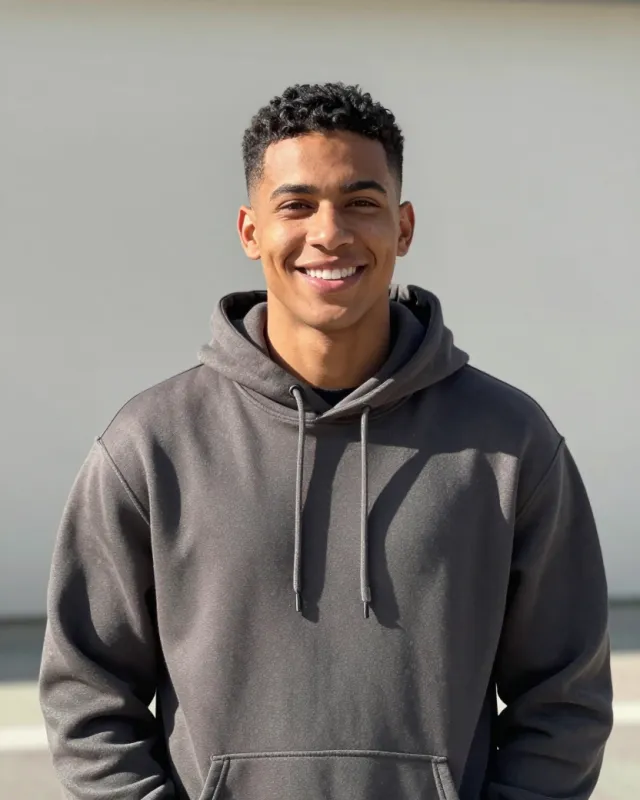
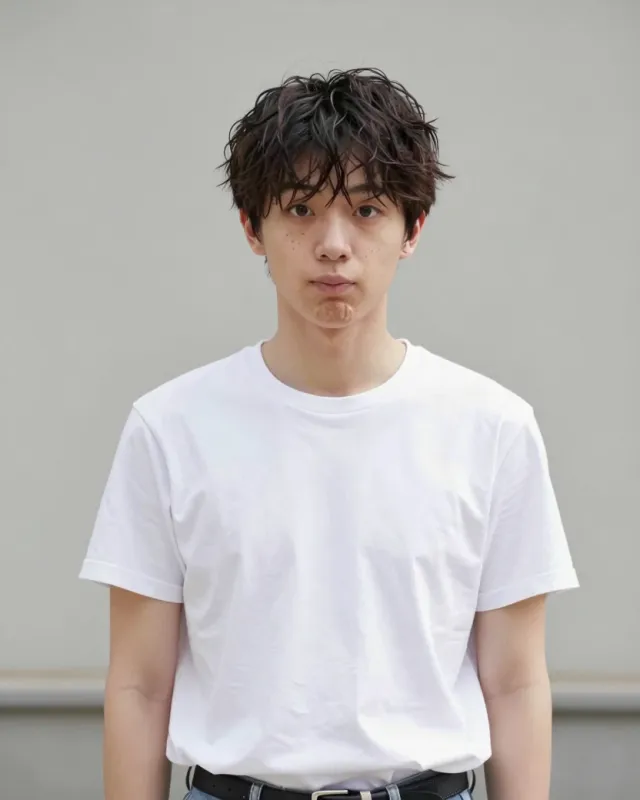
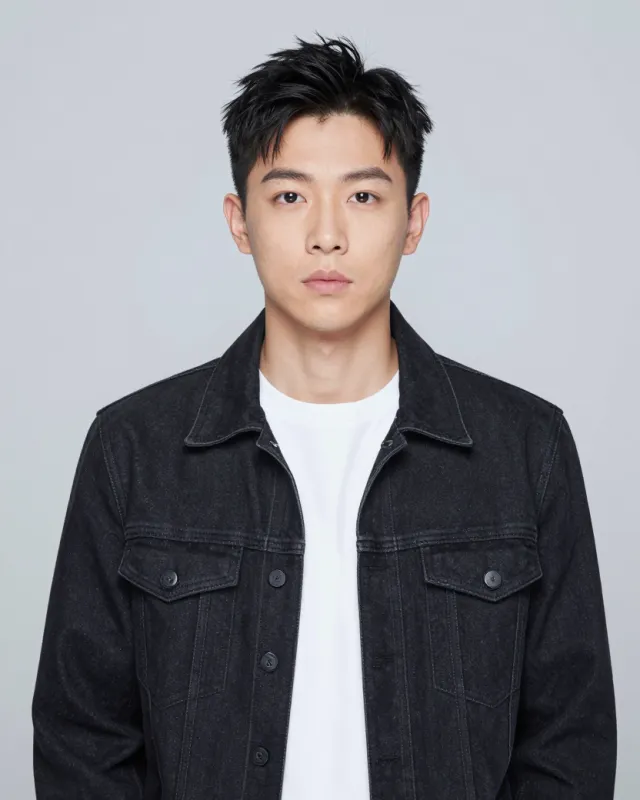
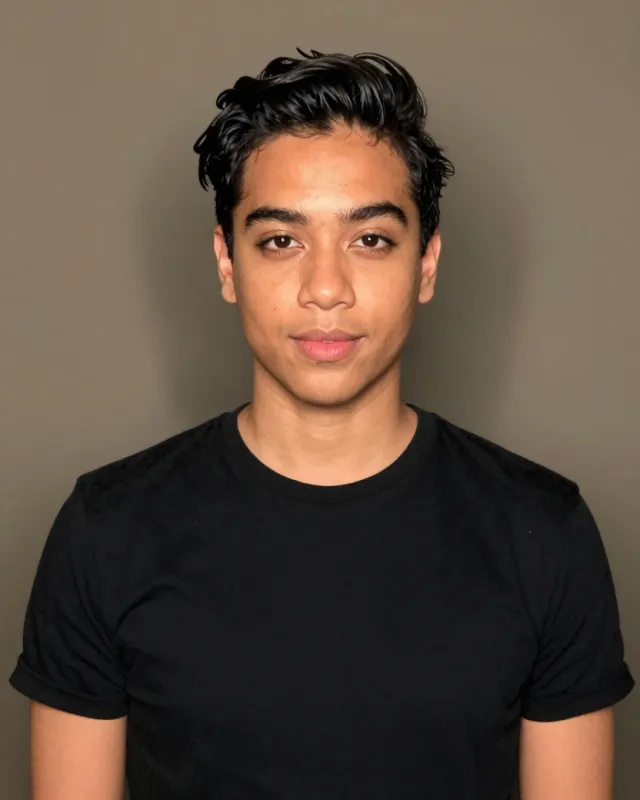



Which face gets replaced
The freestyle clip has more than one face in it. By default the face swap targets the largest, most prominent face in the frame, the main performer, and leaves the rest of the scene untouched. If you need a different face swapped, that target can be configured.
- Target: the largest face in the clip
- Other people in the frame are not changed
- The face index can be configured when the template is wired
How a Bulin 47 face swap works
Upload a photo
One clear, front-facing photo of a single person.
The tool swaps the face
It finds the main face in the clip and replaces it frame by frame, keeping every gesture.
Download your clip
Check the result and download the roughly 6-second 9:16 MP4.
Photo tips for a clean face swap
The input photo decides most of the result. These rules are the difference between a swap that reads as you and one that does not.
- One person in the photo
- Face front and clearly visible
- Even light, no strong shadows
- No sunglasses or heavy filters
- JPG, PNG or WebP file
- Framing from the waist up
Identity accuracy and its limits
A face swap copies identity, not a perfect likeness. The closer your photo is to the performer's angle and lighting — front facing, even light — the more the result reads as you.
Extreme angles, heavy filters, sunglasses or a face that fills very little of the frame give weaker results. When in doubt, run a Face Swap first; it costs 12 credits instead of 112.
Privacy
Uploaded photos are used to run your generation and produce your clip. You control what you upload, and only photos you have the right to use should be uploaded — do not upload other people without their permission. If a clip comes back wrong, delete the photo in the studio and upload a better one.
Face Swap or Full Character?
Both put you in the freestyle. They differ in how much of the performer gets rebuilt.
Face Swap — 12 credits
Keeps the original clip frame for frame and replaces only the face. Faster and cheaper — the pick for memes, group chats and a first try.
Full Character — 112 credits
Rebuilds the performer from your photo — face, hair and outfit — and animates it into the freestyle. Pick this when you want the whole look, not just the face.
Start with Face Swap if you are not sure. You can run Full Character later on the same photo, so there is no penalty for testing the cheaper mode first.
Bulin 47 face swap FAQ
12 credits per video. New accounts get free credits, enough for a first Face Swap.
Put your face in the freestyle
One photo, 12 credits, a clip the group chat replays.
Start a face swap