
Bulin 47 Photo to Video
Upload one clear photo and AI generates your own version of the Bulin 47 trend video — you star in the clip.
- One photo is all you need
- MP4 · 6s or 19s · 9:16
- 112–1444 credits per video
- Credit packs from $5
Bulin 47 photo to video examples
The original trend clip on the left; on the right, the spot for the version AI generates from your photo. Below are example input photos, not results.
Example input photos
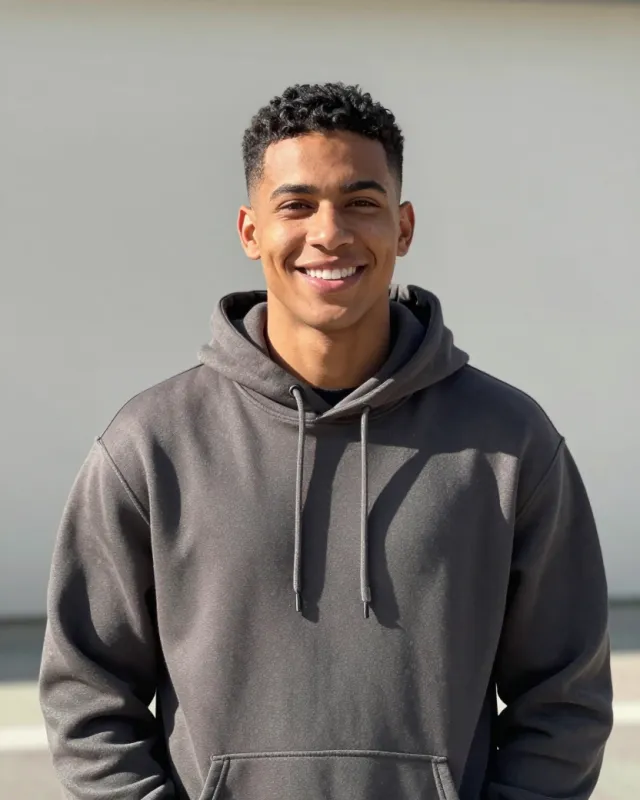
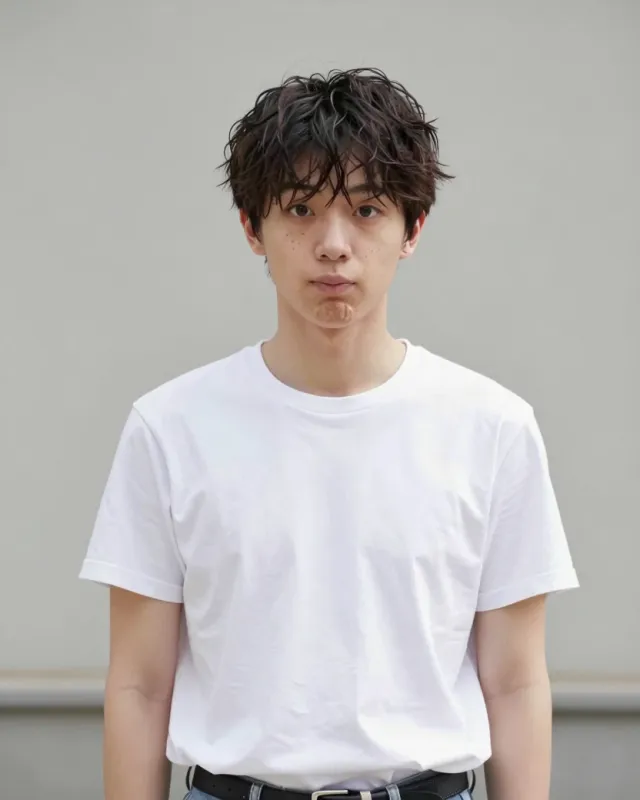
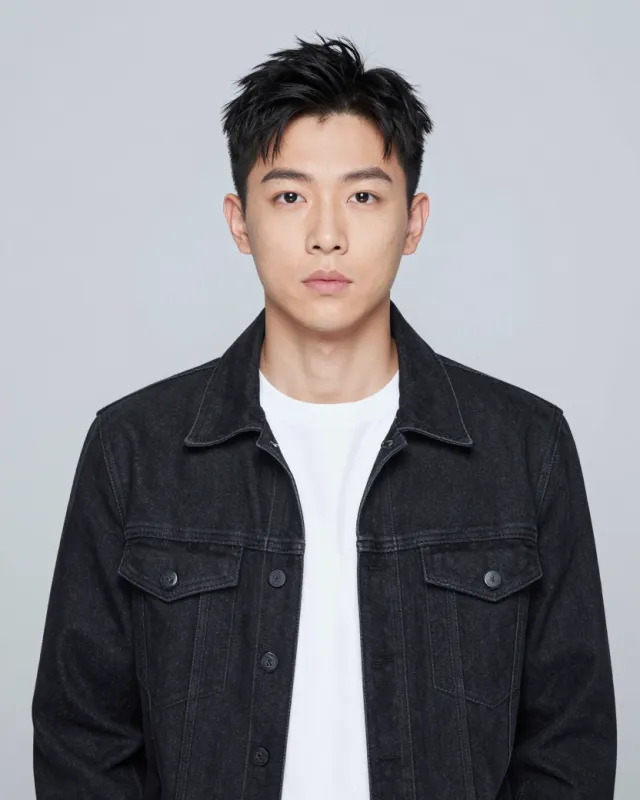
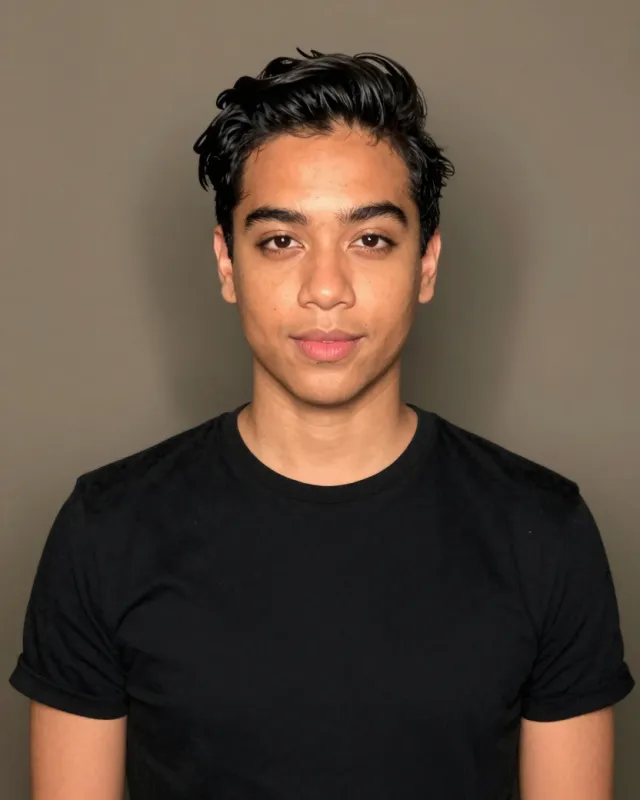
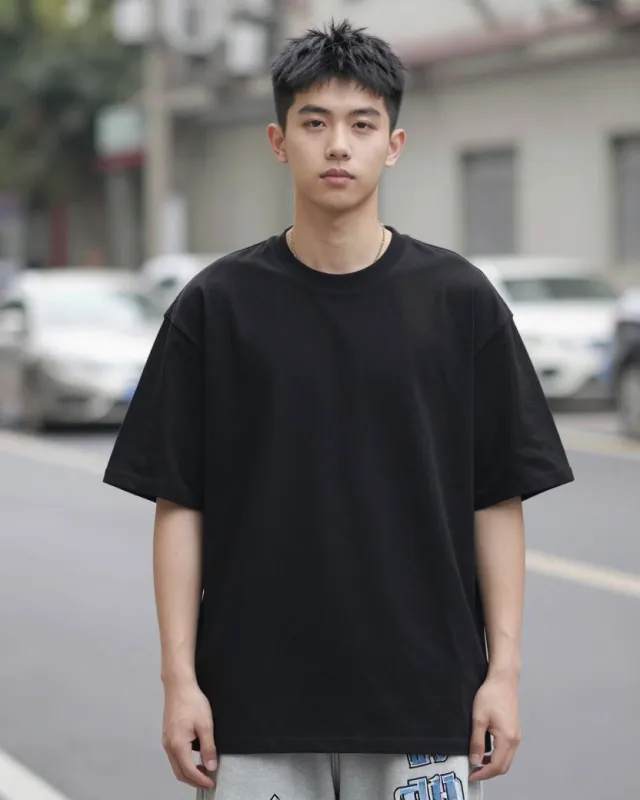



What AI does with your photo
The trend clip has one lead spot and a very recognizable look. AI uses your photo to generate you in that spot and keeps the rest of the scene — the framing, the background and every move — untouched.
- You become the lead of the clip
- The rest of the scene stays as shot
- The better the photo, the more the result looks like you
How Bulin 47 photo to video works
Upload a photo
One clear, front-facing photo of a single person.
AI generates your video
AI builds you into the clip while keeping the original scene and motion — done in about 2 minutes.
Download your clip
Check the result and download the roughly 6-second 9:16 MP4.
Photo tips for a convincing result
The input photo decides most of the result. These rules are the difference between a video that reads as you and one that does not.
- One person in the photo
- Face front and clearly visible
- Even light, no strong shadows
- No sunglasses or heavy filters
- JPG, PNG or WebP file
- Framing from the waist up
What to expect from AI generation
AI reads your photo, it does not take a perfect scan — likeness depends on what it can see. The closer your photo matches the clip's angle and lighting — front facing, even light — the more the result reads as you.
Extreme angles, heavy filters, sunglasses or a photo where you fill very little of the frame give weaker results. When in doubt, run Quick first; it costs 12 credits instead of 112.
Privacy
Only upload photos of yourself or of people who agreed to appear — no minors or public figures. Uploaded photos are used to run your generation and produce your clip. If a clip comes back wrong, delete the photo in the studio and upload a better one.
Quick, Full Character or 19s HD?
All three put you in the trend video. They differ in how much of your look is generated and how long the clip runs.
Quick — 12 credits
AI keeps the original scene and motion and generates your version in about 2 minutes. Fastest and cheapest — the pick for memes, group chats and a first try.
Full Character — 112 credits
AI generates your full look — hair, outfit and style — in the scene. Pick this when you want the whole transformation, not just the fastest render.
19s HD — from 646 credits
The full 19-second scene, generated by AI in HD with you as the lead — in 480p or 720p. The output is silent — add the trending sound when you post it.
Start with Quick if you are not sure. You can run Full Character later on the same photo, so there is no penalty for testing the cheaper mode first.
Bulin 47 photo to video FAQ
From 12 credits per video, about $0.12. Credit packs start at $5.
Turn your photo into a Bulin 47 video
One photo, 12 credits, a clip the group chat replays.
Make my video